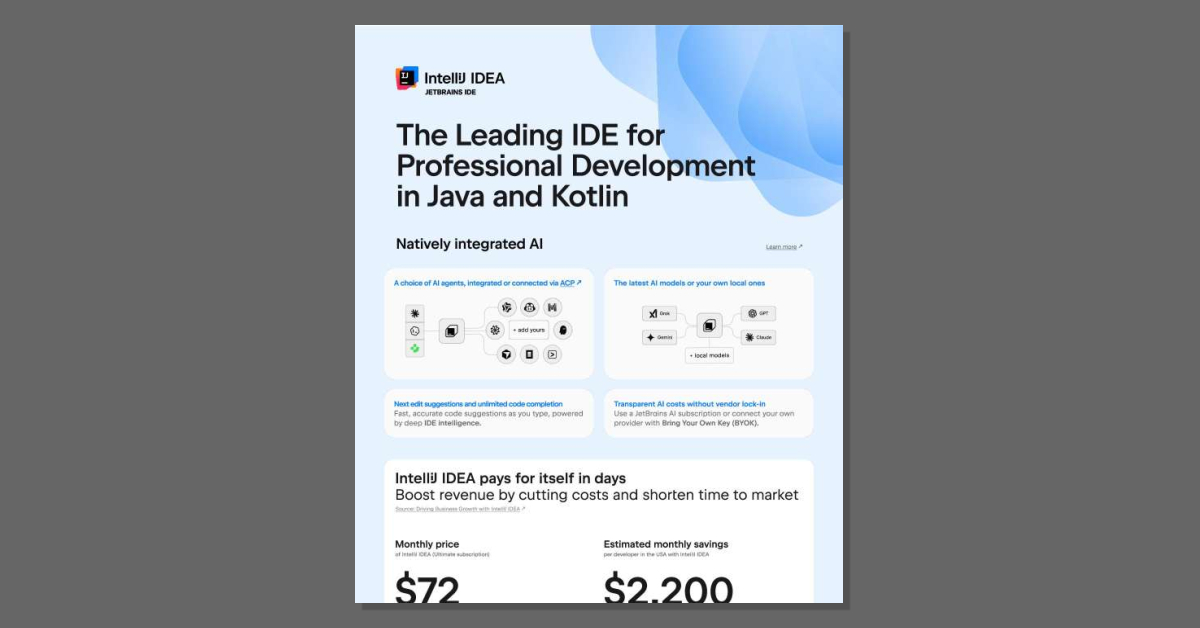
The Leading IDE for Professional Development in Java and Kotlin
Adopt AI-assisted development without giving up control of your code or your budget. The IntelliJ IDEA solution brief from JetBrains shows how the leading IDE for Java and Kotlin integrates AI natively, letting developers choose their agent, run the latest models or local ones, and bring their own key. Download the solution brief for the details.
How does IntelliJ IDEA help development teams work more efficiently?
IntelliJ IDEA is designed to help professional Java and Kotlin teams work more efficiently from day one. Its deep IDE intelligence powers fast, accurate code suggestions as developers type, which speeds up everyday coding tasks and reduces context switching.
Teams report a median working time saved when using IntelliJ IDEA, based on survey responses from developers in the USA. This time savings translates into:
- Shorter time to market for new products and features, because tasks are completed faster.
- Higher-quality code, which reduces maintenance costs and helps keep release schedules on track.
- Estimated monthly savings per developer in the USA, as reported in the “Driving Business Growth with IntelliJ IDEA” source.
With these productivity gains, many organizations find that IntelliJ IDEA pays for itself in days by cutting costs and helping teams deliver value sooner.
What makes IntelliJ IDEA a preferred IDE for professional developers?
IntelliJ IDEA is widely seen as a top choice for professional Java and Kotlin development. According to Baeldung.com, 76% of developers choose IntelliJ IDEA, which means it leads the market by a wide margin.
Several factors contribute to this preference:
- Developer-focused design: It is enterprise-ready, deeply integrated, and thoughtfully engineered to support complex, large-scale projects.
- High-quality code outcomes: By helping teams deliver higher-quality code, it reduces maintenance costs and supports predictable release schedules.
- Cutting-edge technology support: IntelliJ IDEA keeps teams at the forefront of modern development practices, helping companies stay ahead of competitors and break into new markets.
- Positive impact on teams: A significant share of team leads report that IntelliJ IDEA has a positive impact on their team’s productivity.
These strengths make IntelliJ IDEA a practical choice for organizations that want to reimagine how their development teams work and deliver software.
How does IntelliJ IDEA use AI while keeping costs and compliance under control?
IntelliJ IDEA includes natively integrated AI to support professional development workflows. You can choose from multiple AI agents, either integrated directly into the IDE or connected via the AI Connectivity Platform (ACP). These agents provide:
- Next edit suggestions to guide the next steps in your code.
- Unlimited code completion with fast, accurate suggestions powered by deep IDE intelligence.
- Support for the latest AI models or your own local models.
To help you manage AI costs and avoid lock-in, IntelliJ IDEA offers:
- Transparent AI pricing through a JetBrains AI subscription, so you know what you are paying for.
- Bring Your Own Key (BYOK), allowing you to connect your own AI provider and keep control over your infrastructure and spending.
From a governance perspective, JetBrains tools, including IntelliJ IDEA, adhere to industry-leading security standards, such as SOC 2 certification. This helps your organization maintain compliance while you reimagine how AI supports your development process.




 Sign in with LinkedIn